Ask Claude for help
Hand a problem to Claude with one click, and ask it about all your sites at once.
The dashboard shows you what's wrong. Claude can fix a lot of it. Here's how the two work together.
The "Ask Claude" button
On the Needs you view of the Sites page, most sites have an Ask Claude button. Some problems, like HTTPS or an "admin" username, show Ask Claude to fix as the main button.
Click it, and the dashboard copies a ready-made message to your clipboard. A note at the top of the page confirms it:
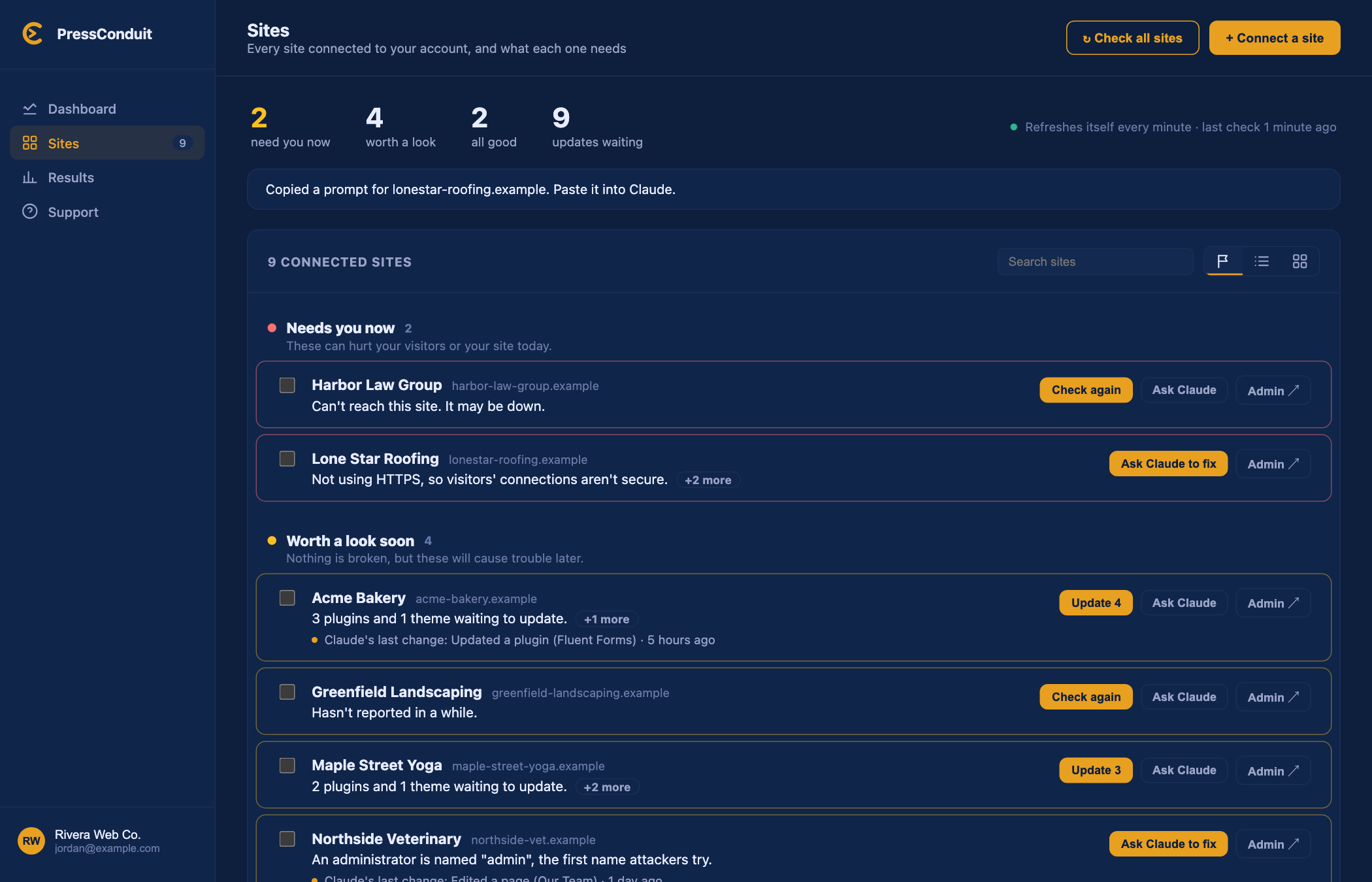
It names the site and lists what the dashboard saw. Paste it into Claude. You'll get something like:
Use PressConduit to look at example.com. Here is what I can see: Not using HTTPS, so visitors' connections aren't secure. Fix what you can safely, tell me exactly what you changed, and list anything that needs me.
Claude must already be connected for this to work.
See what Claude changed
On the Needs you view, a site shows Claude's last change when there is one, with how long ago it happened. Open the site's details page for the full list under Recent activity, and restore points if you want to undo something.
Ask about all your sites at once
Claude can see your whole fleet, not just one site. Try questions like:
- "Which of my sites need attention?"
- "What updates are waiting across my sites?"
- "Give me a full report on example.com."
- "Which sites have no recent backup?"
Behind the scenes, Claude uses two read-only tools:
- fleet_overview lists every site, most urgent first, with updates waiting and anything that needs attention. It uses the dashboard's saved checks and re-checks any that are stale.
- site_report gives a full report on one site, checked live: versions, plugins and themes with updates, admin usernames, the latest backup, and recent changes. It never shows admin email addresses.
Neither one changes anything. They only look.
Good to know
- Claude can be wrong. Read what it says it changed. See What the AI can and can't do.
- Take a backup before any big job.